
Cybersecurity Awareness Month 2026
Week 1
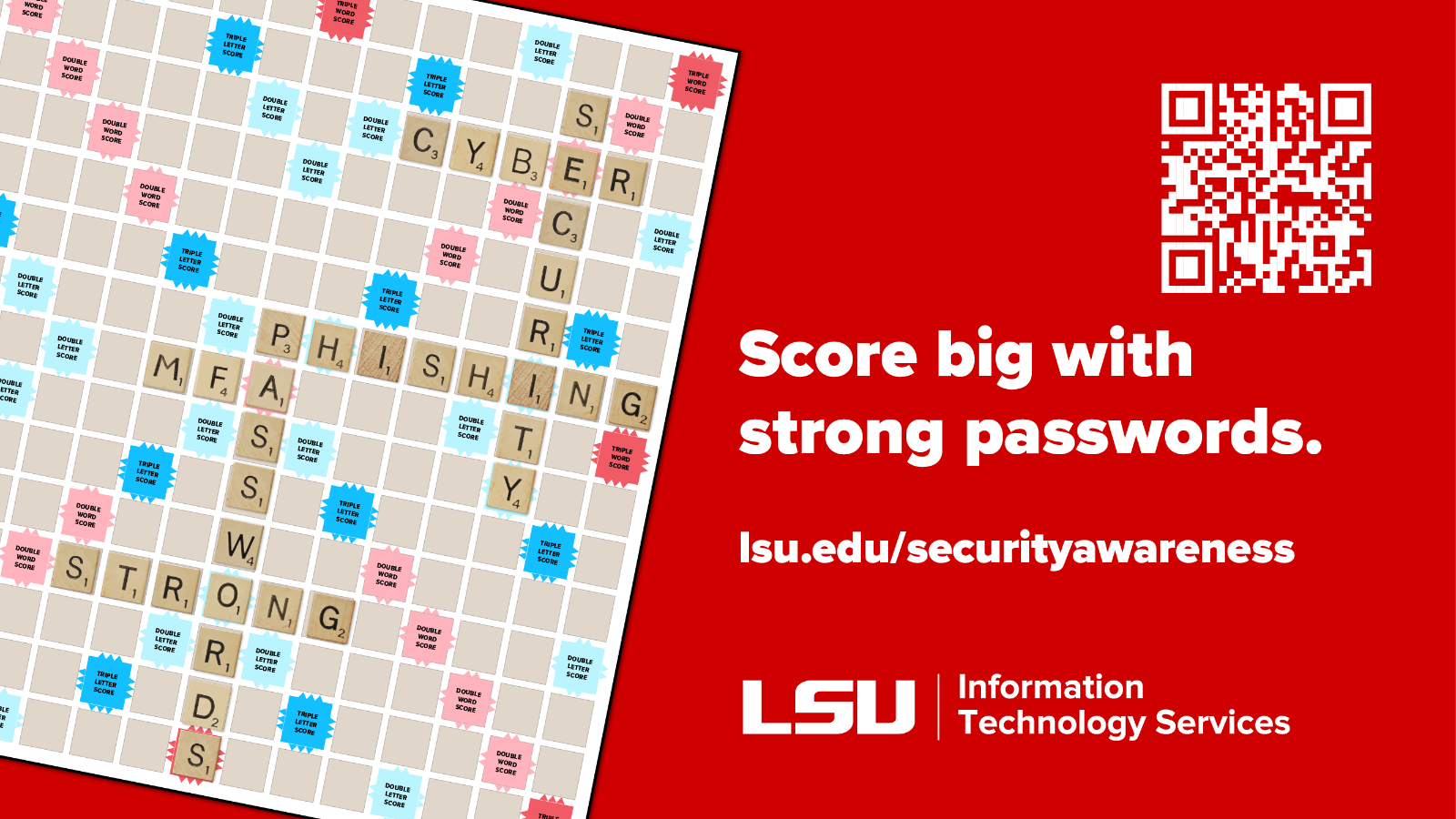
Score Big With Strong Passwords
Password Management, MFA, and Passkeys
Expand the sections below to learn more.
Malicious actors can use AI to test thousands of password combinations every second.
If you're still using short or reused passwords, it's time to switch to a password
manager.
A password manager securely stores your usernames and passwords in an encrypted vault
and can generate strong, unique passwords for each account. You only need to remember
one master password to access your vault.
Pro Tip: Your vault password is the key to all your accounts. Make it long (15+ characters),
unique, and difficult to guess.
- Automatically fills in login credentials
- Works across most devices and operating systems
- Stop recycling passwords by easily creating strong, unique passwords
- Warns about potential phishing websites
- Alerts you to potentially compromised passwords
- Some support multi-factor authentication for added security
Password managers are one of the safest ways to store credentials and are far more
secure than notebooks, notes apps, browser-based storage, or reused passwords. While
no solution is risk-free, a reputable password manager significantly improves your
security.
Look for the following features:
- Zero-knowledge architecture: Your data is encrypted on your device. This means that the provider has no knowledge of your passwords or information. Only you can unlock your vault.
- Multi-factor authentication (MFA): Adds an extra layer of protection.
MFA adds an extra layer of security by requiring two or more forms of verification,
such as a password, PIN, biometric scan, or security code/tokens.
MFA is one of the most effective ways to protect your accounts. Even if a password
is compromised, an attacker cannot gain access without the additional verification
factor. Whenever available, enable MFA on personal accounts such as Google, Amazon,
and social media platforms.
Stay Alert: Never approve an MFA request you did not initiate and never share MFA verification
codes with anyone.
MFA at LSU: MFA is available for LSU services that use Microsoft authentication, including Workday,
Outlook, Teams, Box, and Zoom. Configure both a primary and backup authentication
method and, when possible, enroll multiple devices to avoid being locked out.
Looking ahead: Beginning in early 2027, Microsoft will be phasing out the phone-call authentication
method. If you currently use this method, consider switching to a passkey for a more secure and convenient sign-in experience.
Passkeys provide a secure way to sign in without typing a password. When you create
a passkey, your device generates a public key that is stored by the website and a
private key that remains securely on your device. To sign in, you authenticate using
a fingerprint, Face ID, PIN, or another device unlock method.
Why are passkeys more secure?
Because your private key never leaves your device, it can't be stolen in a data breach
or easily intercepted by attackers. This makes passkeys significantly more resistant
to phishing and credential theft than traditional passwords.
Protection Against Fake Websites
One of the biggest advantages of passkeys is that they are cryptographically bound
to the website they were created for. If you accidentally click a link to a fake website
designed to look like your bank, email provider, or favorite online store, your passkey
won't work because the domain doesn't match the legitimate site.
This built-in protection helps prevent phishing attacks by stopping you from unknowingly authenticating to an imposter website, even if the fake page looks identical to the real one.
Are Passkeys Replacing Passwords?
While passkeys are becoming more common, many websites still rely on passwords. That's
why using a password manager remains a smart way to secure your accounts.
Take the next step: If your favorite websites or apps offer passkeys, consider enabling them for a more
secure and convenient sign-in experience. Check out the additional resources to learn
more about how passkeys can help protect your online accounts.
Put your knowledge to the test, unlock coordinates, and search campus for QR codes
for a chance to win stuff! Take this week’s quiz!
Prefer a digital challenge? Try our new virtual escape room!
(Please note: participation in the virtual escape room does not qualify for the drawing.
Players must complete the geocache to be eligible to win.)
Week 2
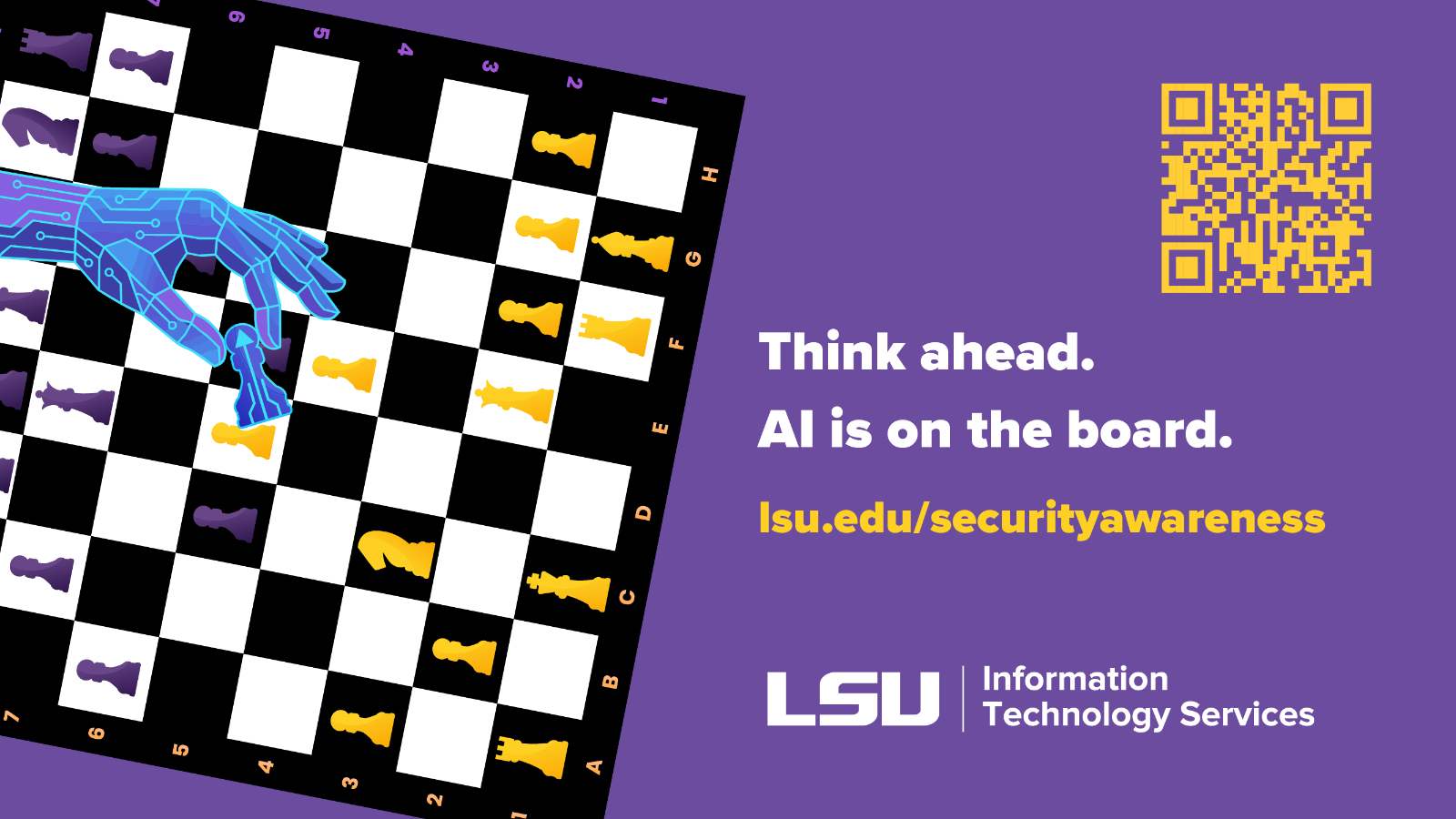
Think ahead. AI is on the board.
AI Safety
As AI becomes part of our daily lives, it’s important to understand the technology so that you can take the appropriate steps to keep your data and the data of others safe. Expand the sections below to learn more!
Whether you're using AI for work or personal tasks, following a few simple guidelines can help ensure your data security:
- Don’t Share Sensitive Data
- Data provided by users can be used by AI models to improve its responses. Never share sensitive data such as passwords, social security numbers, or bank details with AI services.
- Fact-check Answers
- AI content can often be inaccurate, misleading, or contain copyrighted material. AI models have been known to produce strange responses, sometimes referred to as “hallucinations”. It’s your responsibility to ensure that the data you receive is accurate
- Check Permissions/Privacy
- Review the privacy statement and carefully read over any permissions requests when downloading or using AI applications. In fact, this is a good guideline for any software or application use.
- Understand Organizational Policies
- Before using AI tools, ensure they are approved by your organization and comply with applicable policies, regulations, and data handling requirements. See LSU's AI Acceptable Use Policy.
- Secure Your AI Accounts
- Use a unique password of at least 15 characters and enable MFA whenever possible. Strong passwords and MFA work together to help keep your AI accounts safe from unauthorized access.
One of the most important considerations when using AI is protecting sensitive information.
Entering private, confidential, or personal information into an AI tool may expose
that data beyond its intended audience or retention period. Sharing this information
could lead to privacy, reputational, or legal repercussions.
Never Share:
- Passwords or authentication codes
- Social Security Numbers
- Credit card, banking, or other financial information
- Protected Health Information (PHI)
- Student, employee, or customer records
- Private data such as contracts, license agreements, software code or research data
Before Sharing with AI, Ask Yourself:
- Is this information public?
- Am I authorized to share this data?
- Does this AI platform have approved security and privacy controls?
- Could sharing this data create legal, regulatory, or reputational risks?
Cybercriminals are increasingly using AI to create more convincing scams. AI can generate realistic emails, text messages, voice recordings, images, and videos that may appear legitimate at first glance. Familiarize yourself with some common AI-powered scams:
Phishing Emails and Messages
Scammers use AI to easily create highly personalized professional-looking communications to steal credentials, financial information, or personal data.
Example: You receive an email regarding a job offer with little or no interview process. The employer requests sensitive information early in the process.
- How to protect yourself: Research the company and verify any job openings directly through official channels.
Deepfake Voice Calls
It only takes a few seconds of audio or video to create a convincing AI voice clone. Attackers use these voice clones to manipulate victims into sharing information or sending money.
Example: A parent receives a call that sounds like their child saying they’ve been arrested and need to be wired money for bail.
- How to protect yourself: Establish a “Safe Word” with family, friends, and coworkers so that you know if a call is legitimate. You can also disconnect the call and call back using a stored contact number to verify the request.
Deepfake Images and Videos
AI-generated images and videos can be used to impersonate people, organizations, or brands to spread misinformation or commit fraud.
Example: An employee receives a video message that appears to show their boss requesting an emergency wire transfer.
- How to protect yourself: Do not trust a video simply because it looks real. Verify unusual requests through a separate communication channel.
Be mindful of what you share, prioritize data security, and you can benefit without putting your data or your organization’s data at risk.
Put your knowledge to the test, unlock coordinates, and search campus for QR codes for a chance to win stuff! Take this week’s quiz!
Prefer a digital challenge? Try our new virtual escape room!
(Please note: participation in the virtual escape room does not qualify for the drawing. Players must complete the geocache to be eligible to win.)
Week 3
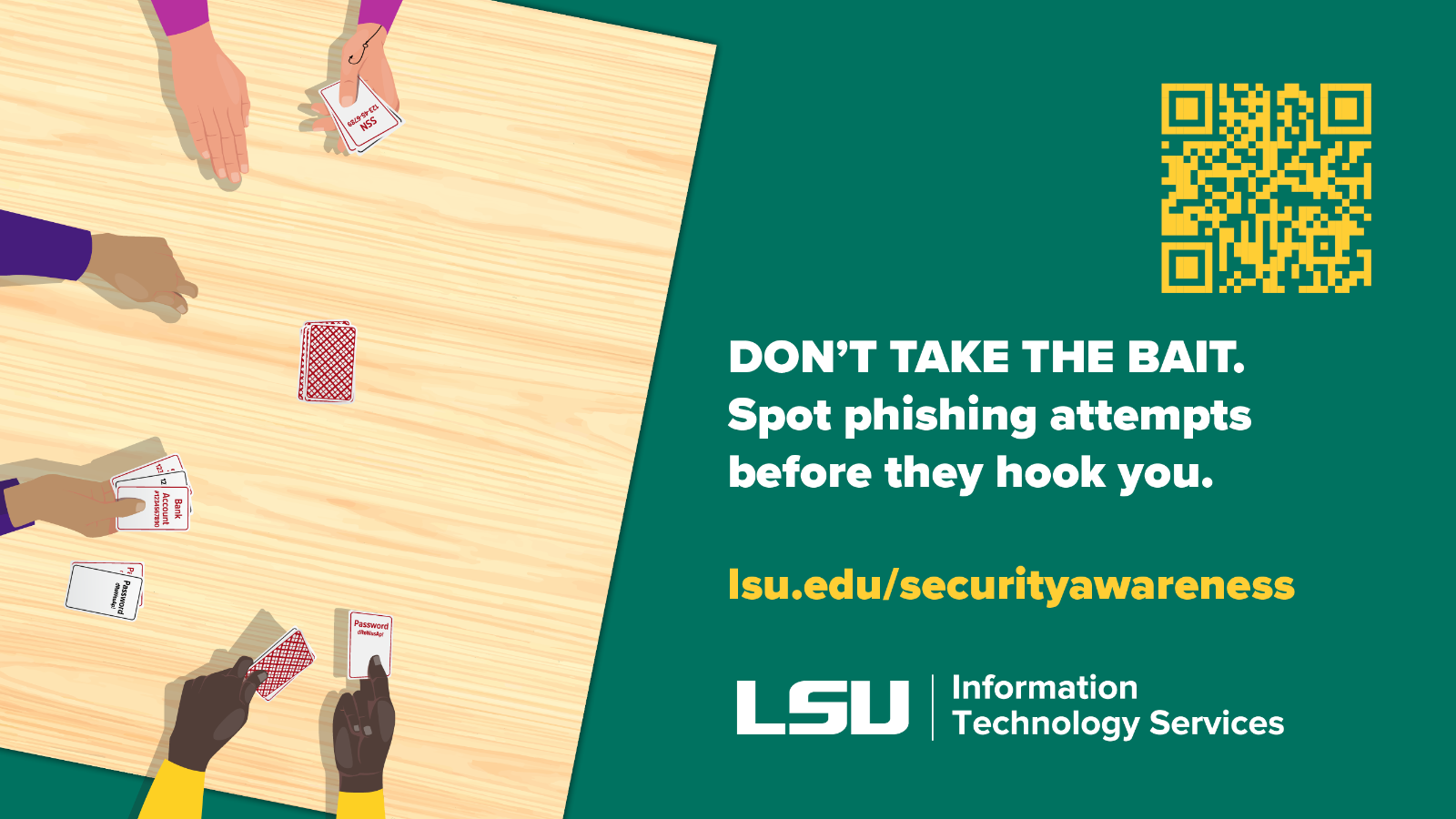
Don't take the bait. Spot phishing attempts before they hook you.
Identifying Phishing and Scams
Are you familiar with social engineering and phishing? Can you effectively spot a phishing scam? Expand the sections below to learn more!
Social engineering is a tactic in which attackers manipulate people into revealing sensitive information or granting access to systems. They often pose as trusted individuals, such as coworkers, vendors, or researchers, to gain credibility.
Phishing is the most common type of social engineering. It involves fraudulent emails, texts, or messages that appear legitimate and are designed to steal sensitive information, such as usernames, passwords, financial data, or other personal information.
To protect yourself, become familiar with the key indicators of a phishing scam.
1. Check the sender.
- Check the domain of the sender's address. Phishing emails will often come from unfamiliar domains.
2. Check the body.
- Phishing emails often try to create a sense of fear and/or urgency in subject lines, hoping users will comply. “Your account will be terminated!” or “Act now to avoid action!” are common examples.
- While generic greetings such as “Dear Customer” are becoming less frequent as AI has enabled scammers to create highly personalized messages, they are a red flag.
- Are they requesting information? Legitimate companies do not request sensitive information over email or text.
- Poor grammar was previously a hallmark of phishing, but as the use of AI has increased, this is less reliable. Still, watch for awkward phrasing or uncommon words.
- Be cautious of unexpected requests such as messages asking for gift cards or wire transfers, sudden payment requests, or invoices.
3. Check the destination.
- Always review links prior to clicking, and in the event the link has been clicked, review the destination website for confirmation that the URL is accurate and valid. When possible, opt to go directly to a site through your browser instead of clicking a link.
- Do not scan any QR codes from unexpected or unknown sources. When possible, preview the link before navigating to the destination.
- Never open or download attachments that you aren’t expecting, even from a known contact. Double-check with them independently before opening.
IT Security and Policy’s phishing awareness program helps users identify malicious content through regular phishing simulations. After each campaign, two reporters are selected to receive LSU swag.
To qualify to win, you must report the phish using the Report Phishing tool in Outlook applications on desktop, web, or mobile. Winners will be notified by a member of ITSP via email the week following the conclusion of each campaign.
How to report suspicious e-mails?
Phishing messages can be reported directly to LSU IT Security and Policy by using
the native Report options in Outlook applications on desktop, web, and mobile.
- Use the Report Phishing tool to report a phishing e-mail to LSU ITSP. This method will be the only one utilized to identify winners for the Phishing Awareness Program.
- If you are unable to submit a message as phishing through the Report Phishing tool, forward the message to security@lsu.edu directly or by adding the suspicious message as an attachment to an email to security@lsu.edu.
Every phishing report makes a difference. Reporting suspicious emails helps LSU ITS identify threats faster, block malicious senders, and protect the LSU community by removing the same
Scammers don’t just use emails. They may contact you by:
- Phone calls (vishing): Using spoofed numbers that appear legitimate.
- Text messages (smishing): Sending fraudulent messages that appear to come from trusted organizations.
- Social media: Creating fake profiles, posts, images, or audio, often with the help of AI, to impersonate legitimate people or organizations.
If it feels phishy, it probably is. Trust your instincts.
- Be cautious of unexpected calls, texts, or messages.
- Don’t rely on caller ID as phone numbers can easily be spoofed.
- If you're unsure, end the conversation and verify the request using a trusted phone number or official website.
- Establish a “safe word” with family, friends, and coworkers to defeat any AI voice scams.
If you believe you have fallen for a phishing scam:
- Shared your password? Change it immediately and update it anywhere else it was used. Use a new, unique password that has not been used for any other account.
- Shared financial information? Contact your bank or card provider right away and follow their guidance.
- Shared personal information? Monitor your accounts and consider freezing your credit with all major credit bureaus.
- Need help? Contact security@lsu.edu.
Put your knowledge to the test, unlock coordinates, and search campus for QR codes for a chance to win stuff! Take this week’s quiz!
Prefer a digital challenge? Try our new virtual escape room!
(Please note: participation in the virtual escape room does not qualify for the drawing. Players must complete the geocache to be eligible to win.)